This guide will help you integrate StablePay stablecoin payment functionality into your SHOPYY store.
1. Manage Your SHOPYY Store in StablePay
Prerequisites: Please contact StablePay customer service to activate your merchant account. Your account credentials will be sent to your email.
Steps
- Log in to the StablePay Merchant Dashboard
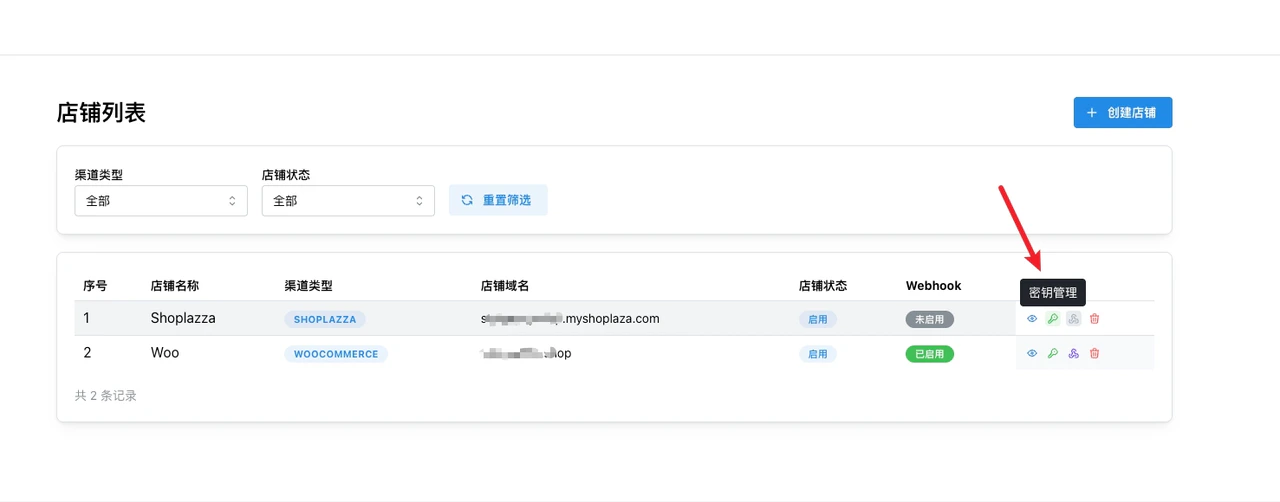
- Navigate to the Store Management page, click [Create Store], select SHOPYY as the channel type, and submit for StablePay review
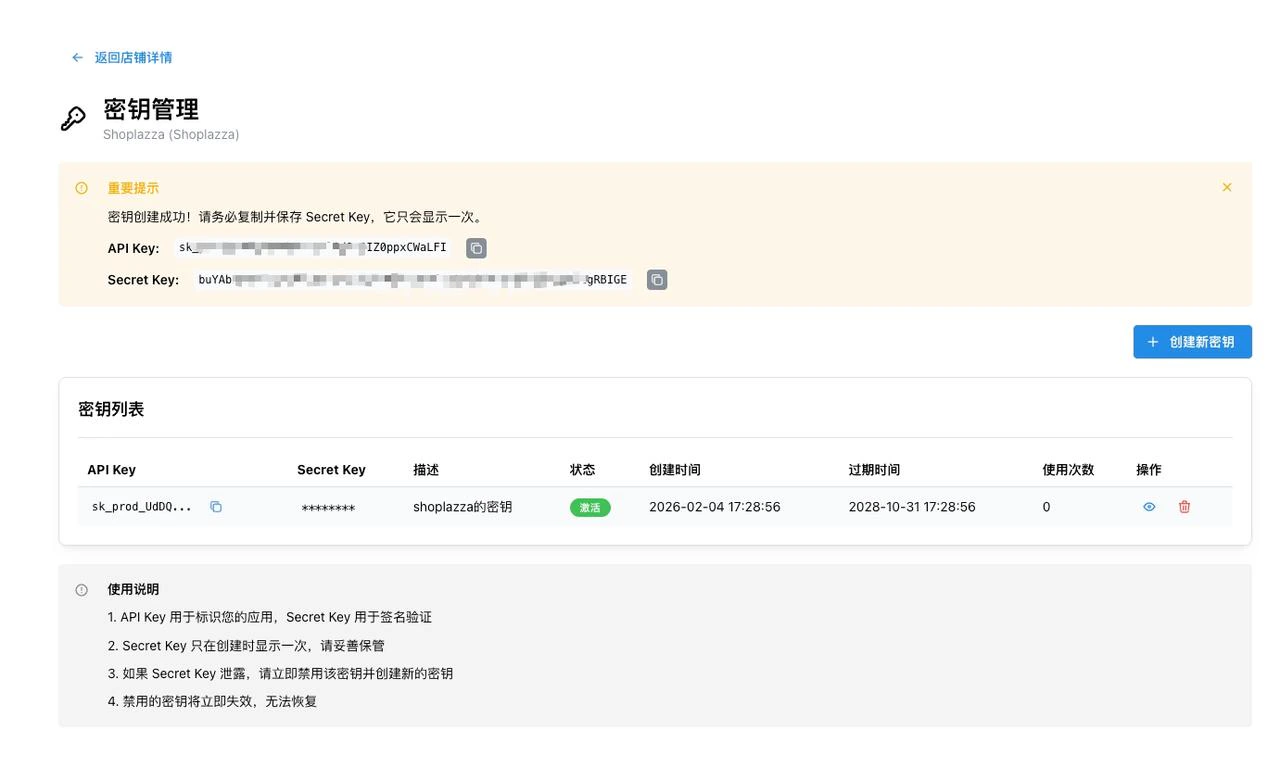
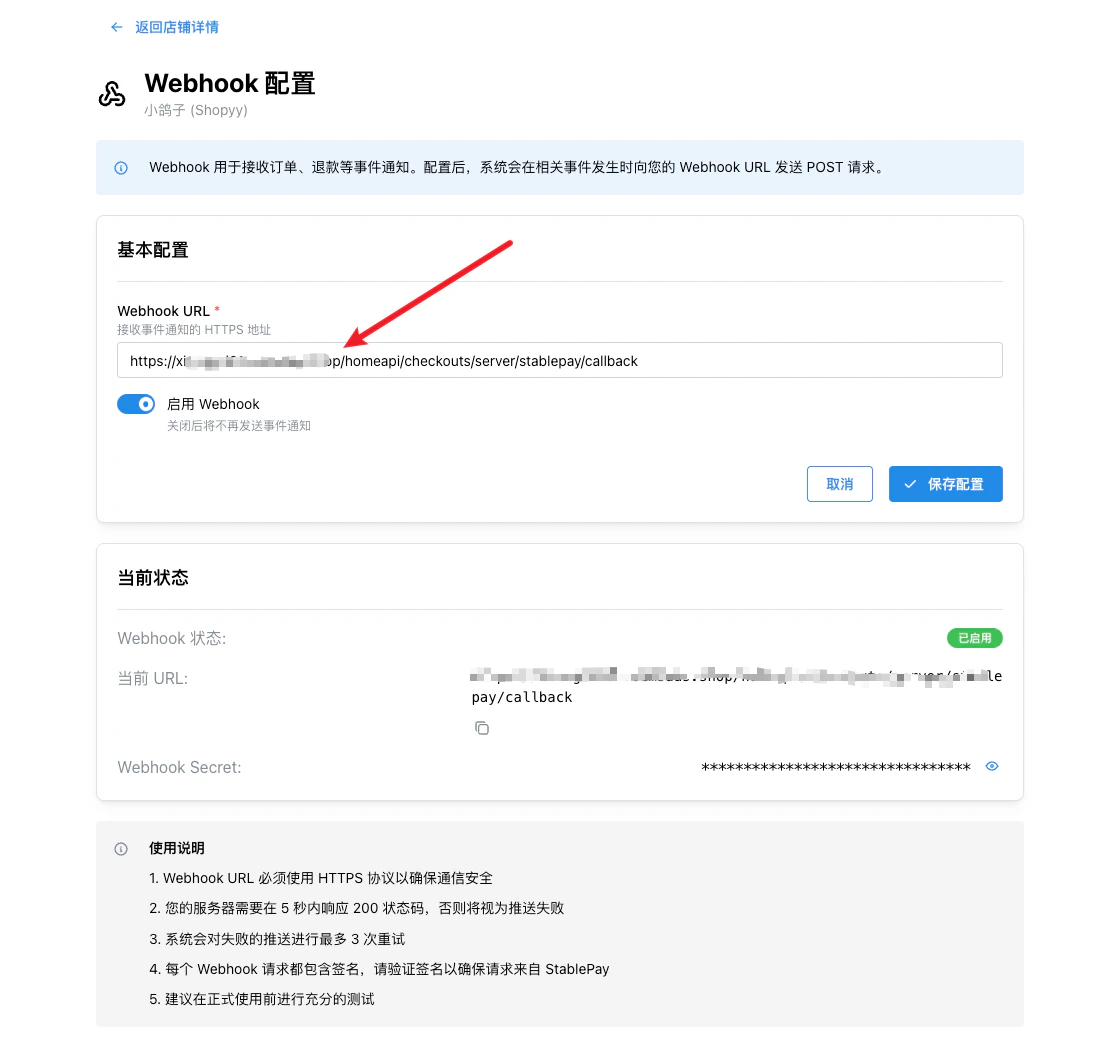
- Once approved, you can obtain your API Key, Secret Key, and Webhook Secret from the store list operations
Please replace {yourdomain} with your SHOPYY store domain:
2. Bind StablePay Application in SHOPYY Admin
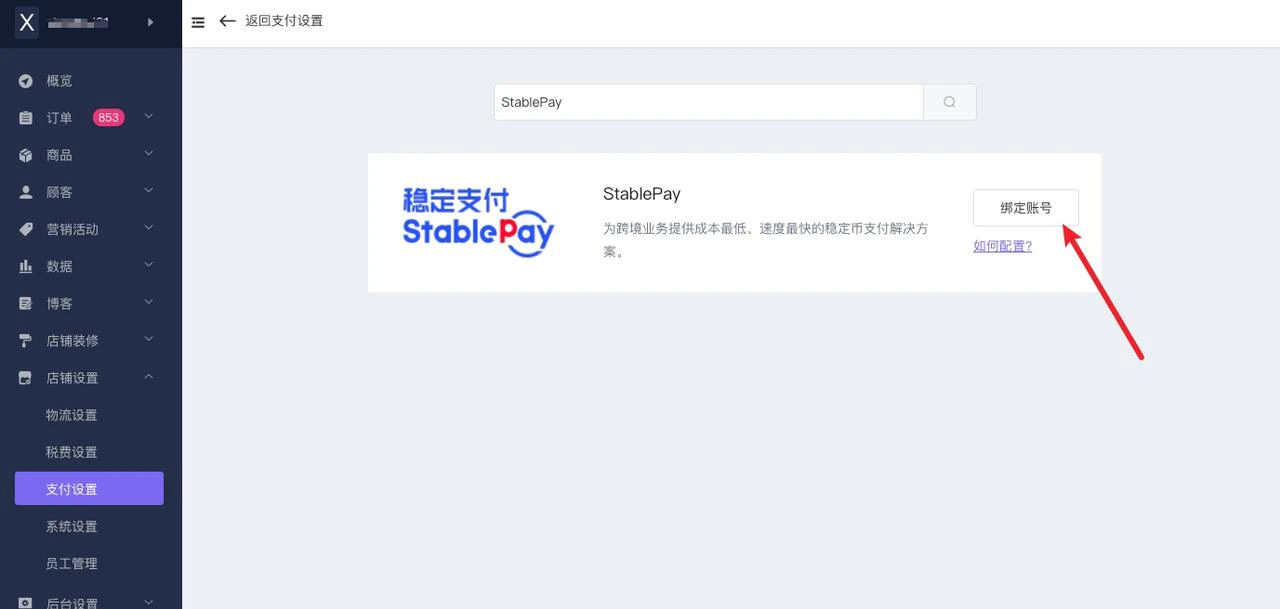
Step 2.1: Log in to SHOPYY Admin [Store Settings - Payment Settings]
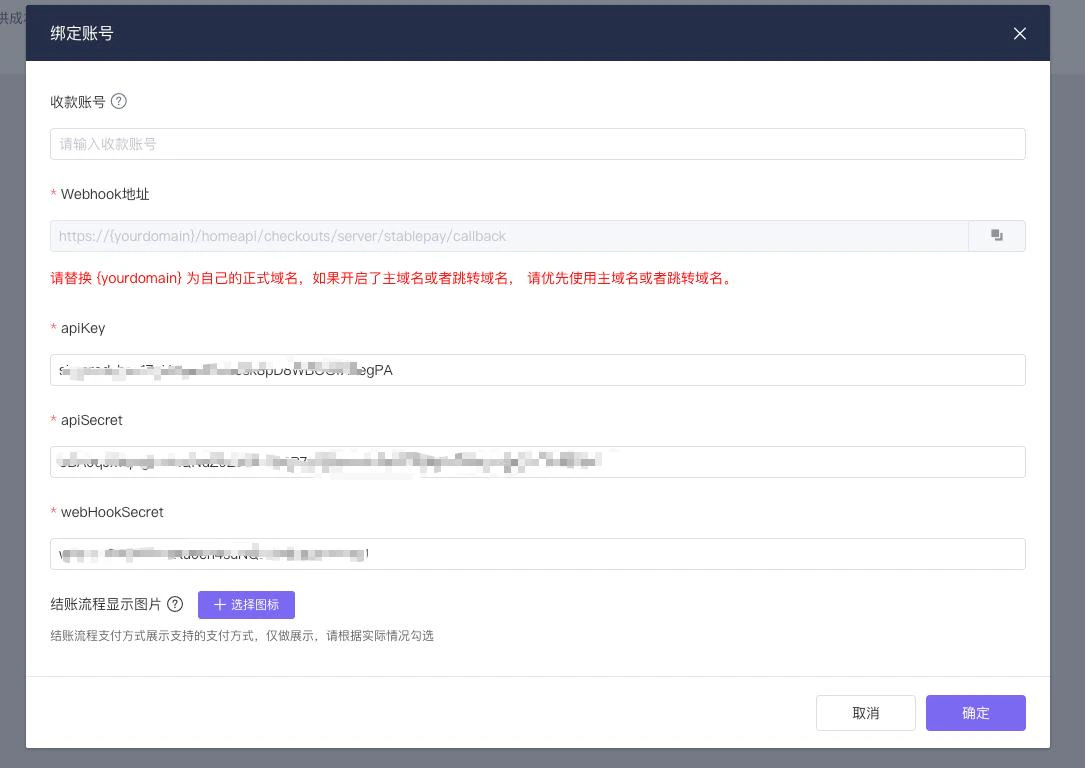
Step 2.2: Bind Account
Enter the API Key, Secret Key, and Webhook Secret created in the StablePay merchant dashboard.
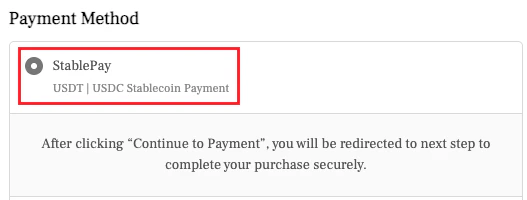
Step 2.3: Edit Payment Display
3. Installation Complete, Start Accepting Payments with StablePay
Congratulations! You have successfully completed the integration of StablePay with SHOPYY, and can now start accepting stablecoin payments.
Last modified on April 17, 2026