
Recommended payment method label
Recommended examples
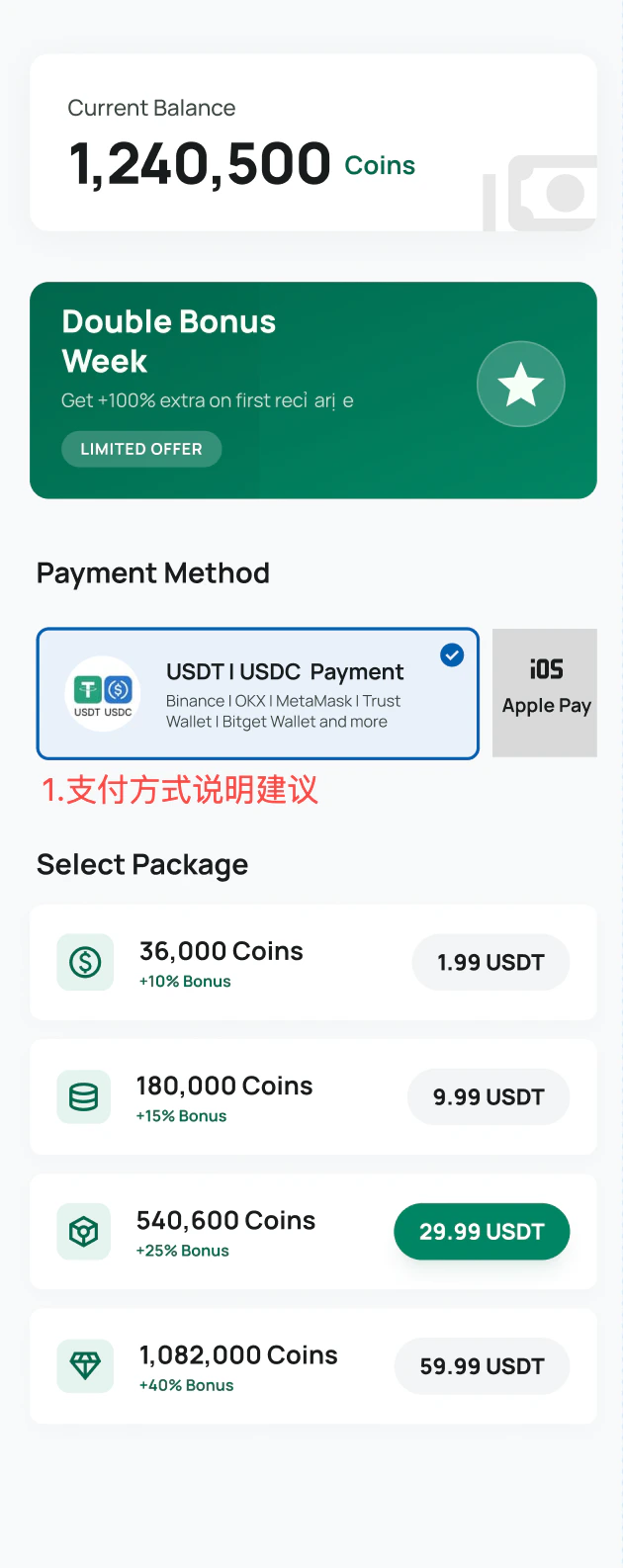
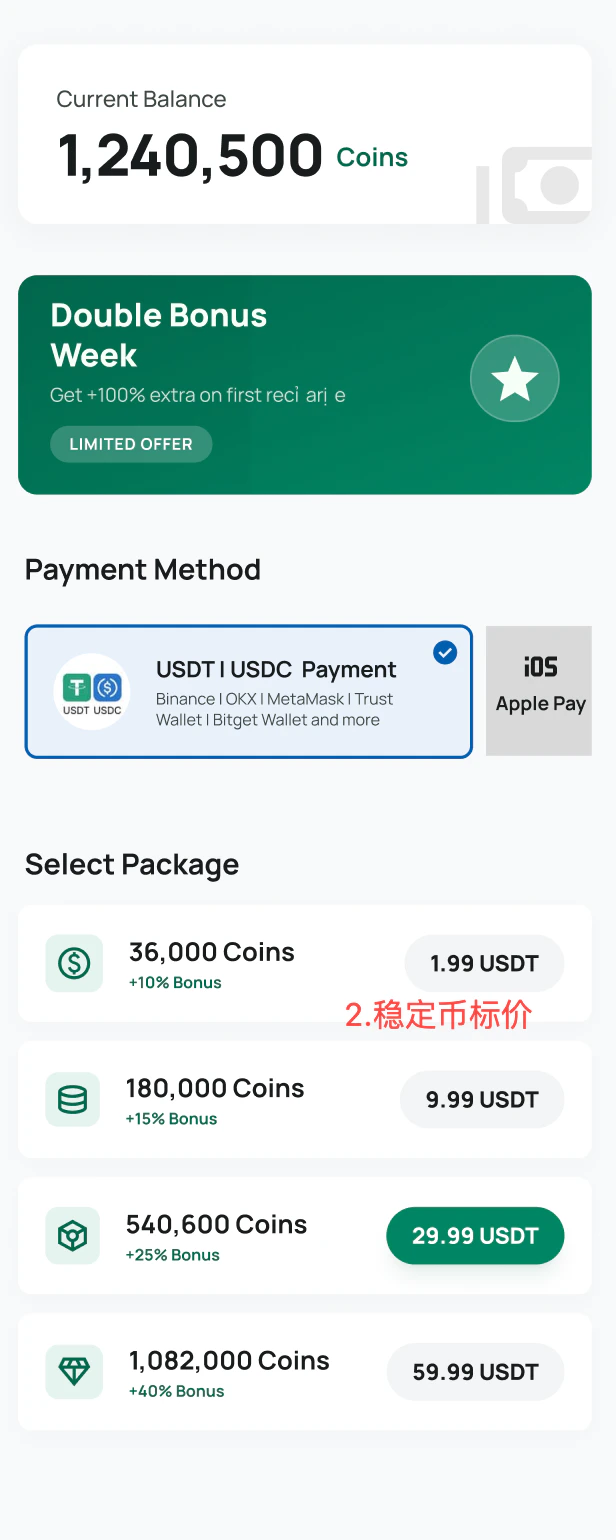
Best practices
- Make
USDTandUSDCvisible in the payment method name. - Add familiar wallet examples when space allows.
- Use stablecoin and wallet icons to reduce customer uncertainty.
- Use
Powered by StablePaywhen showing the StablePay brand. - Avoid labeling the option only as
StablePayif customers may not recognize the brand yet.
API checkout examples
For custom ecommerce sites, apps, and game checkout pages, display stablecoin payment alongside other payment methods such as cards, PayPal, or bank transfer.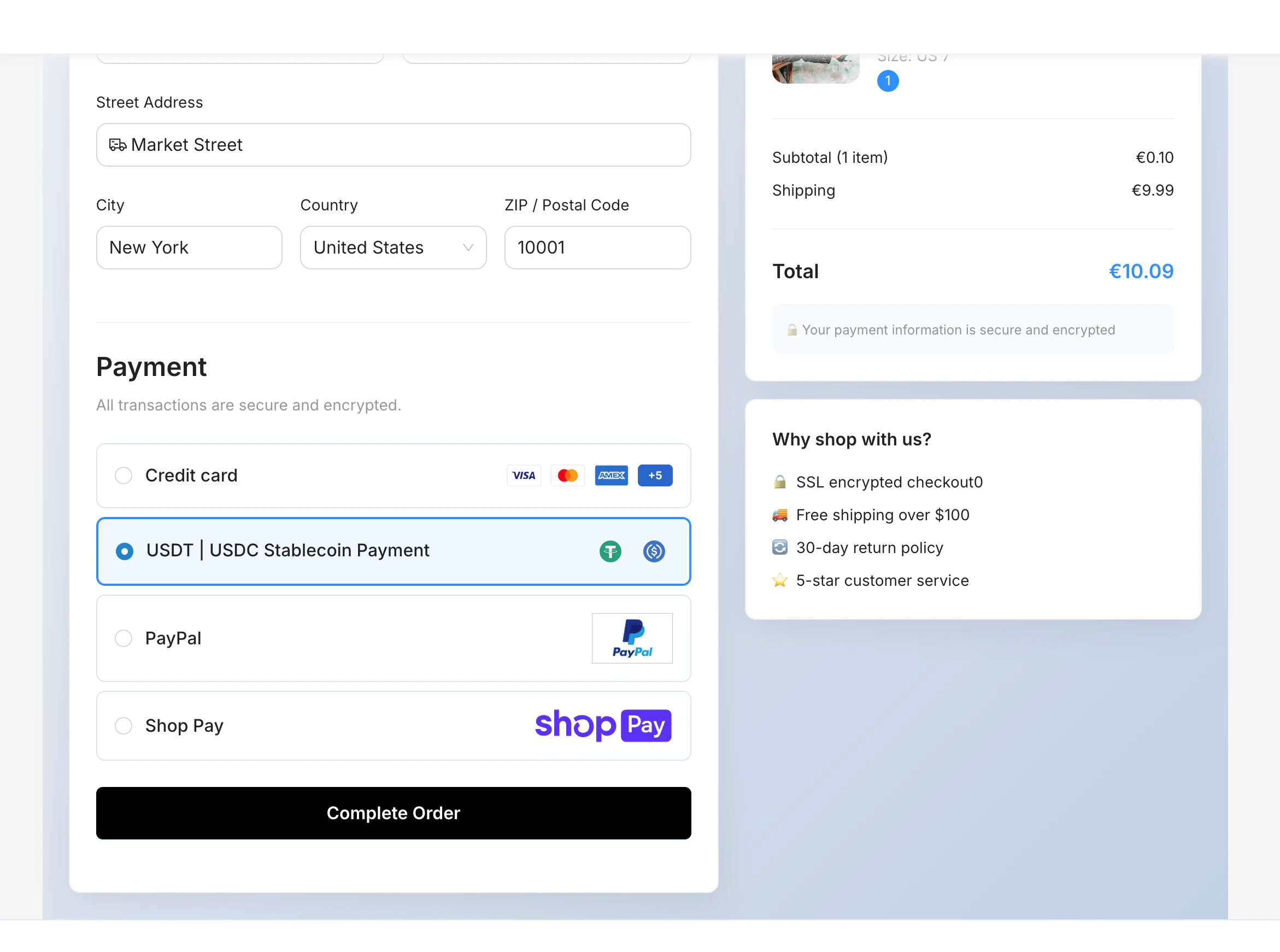
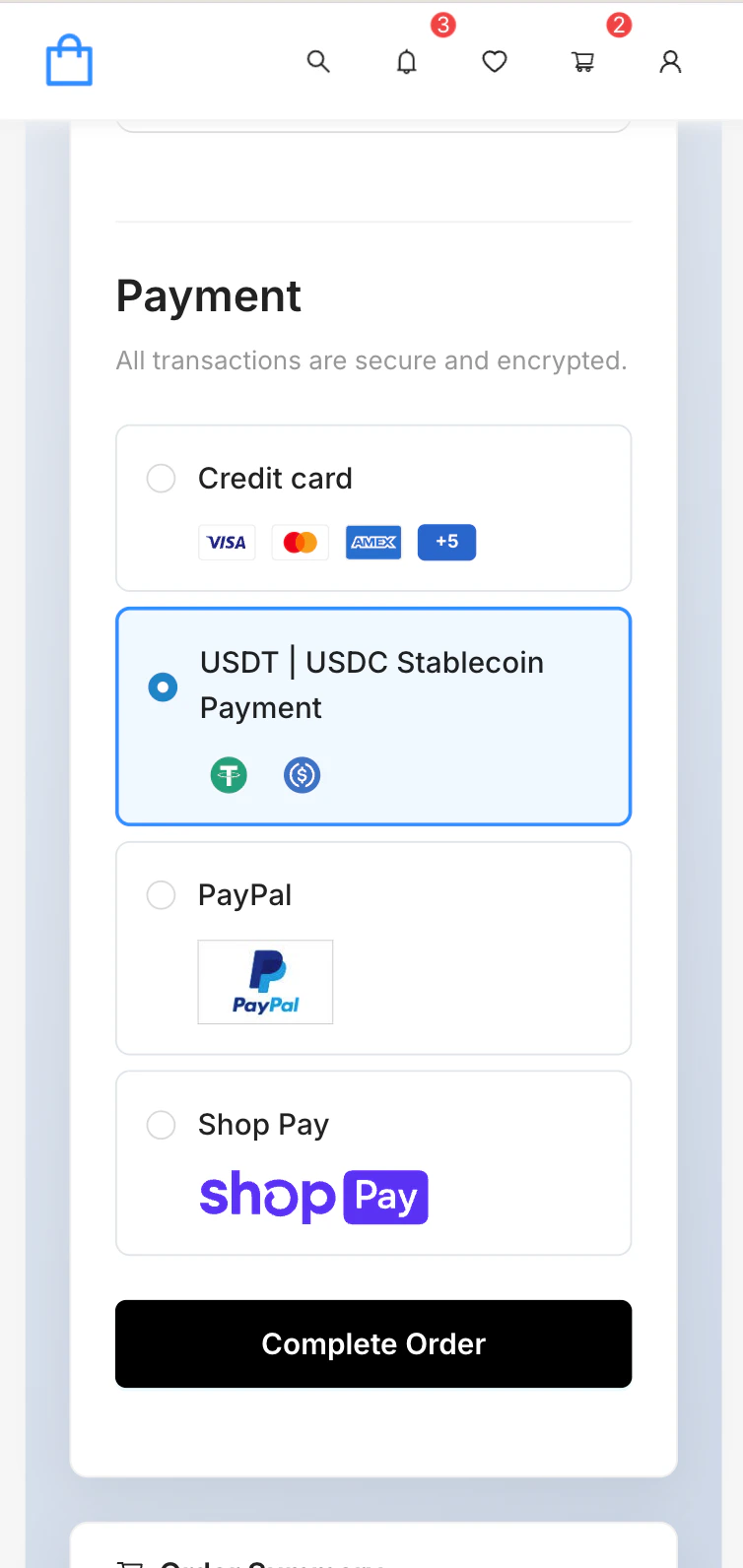
SaaS platform examples
StablePay can also be displayed in SaaS storefronts and ecommerce platforms.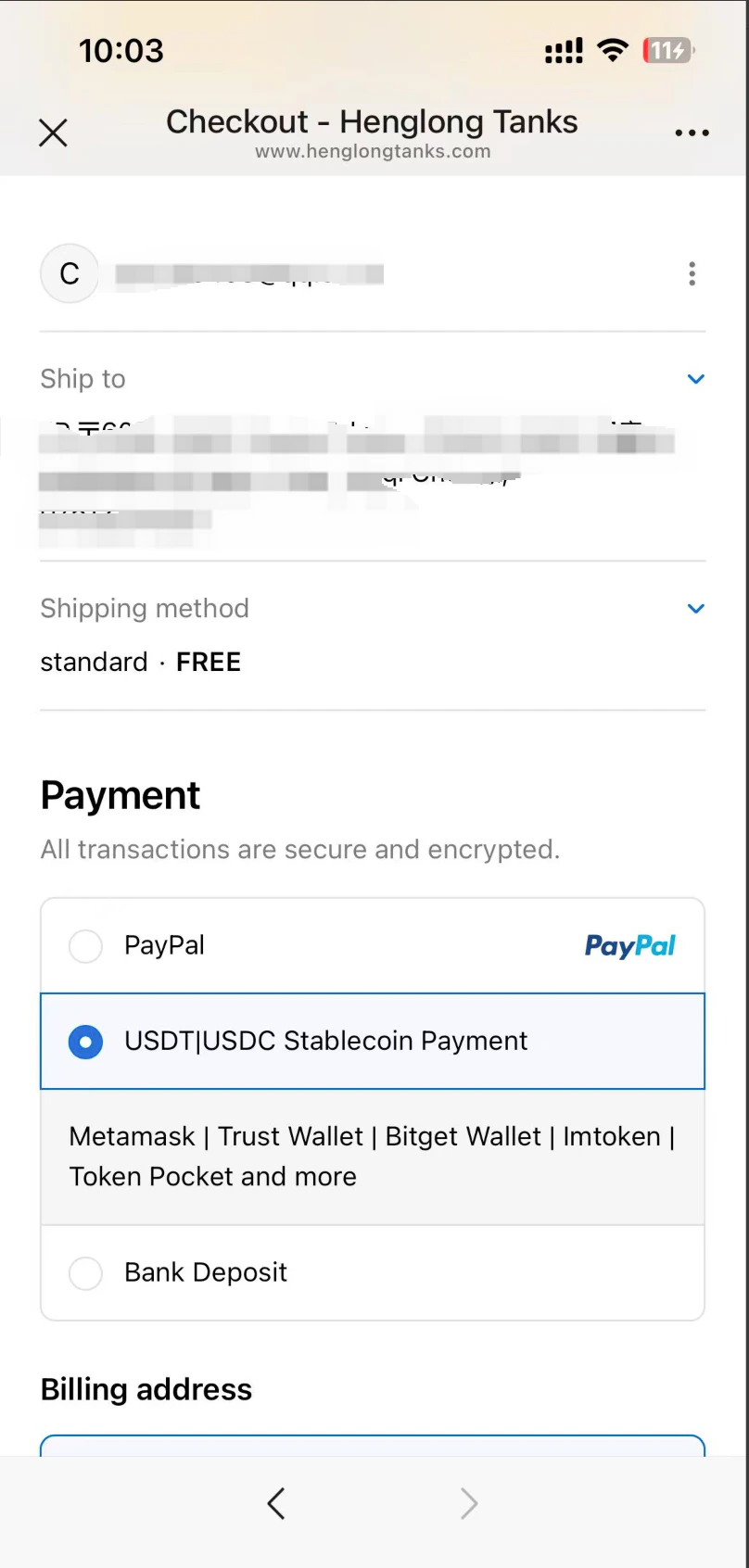
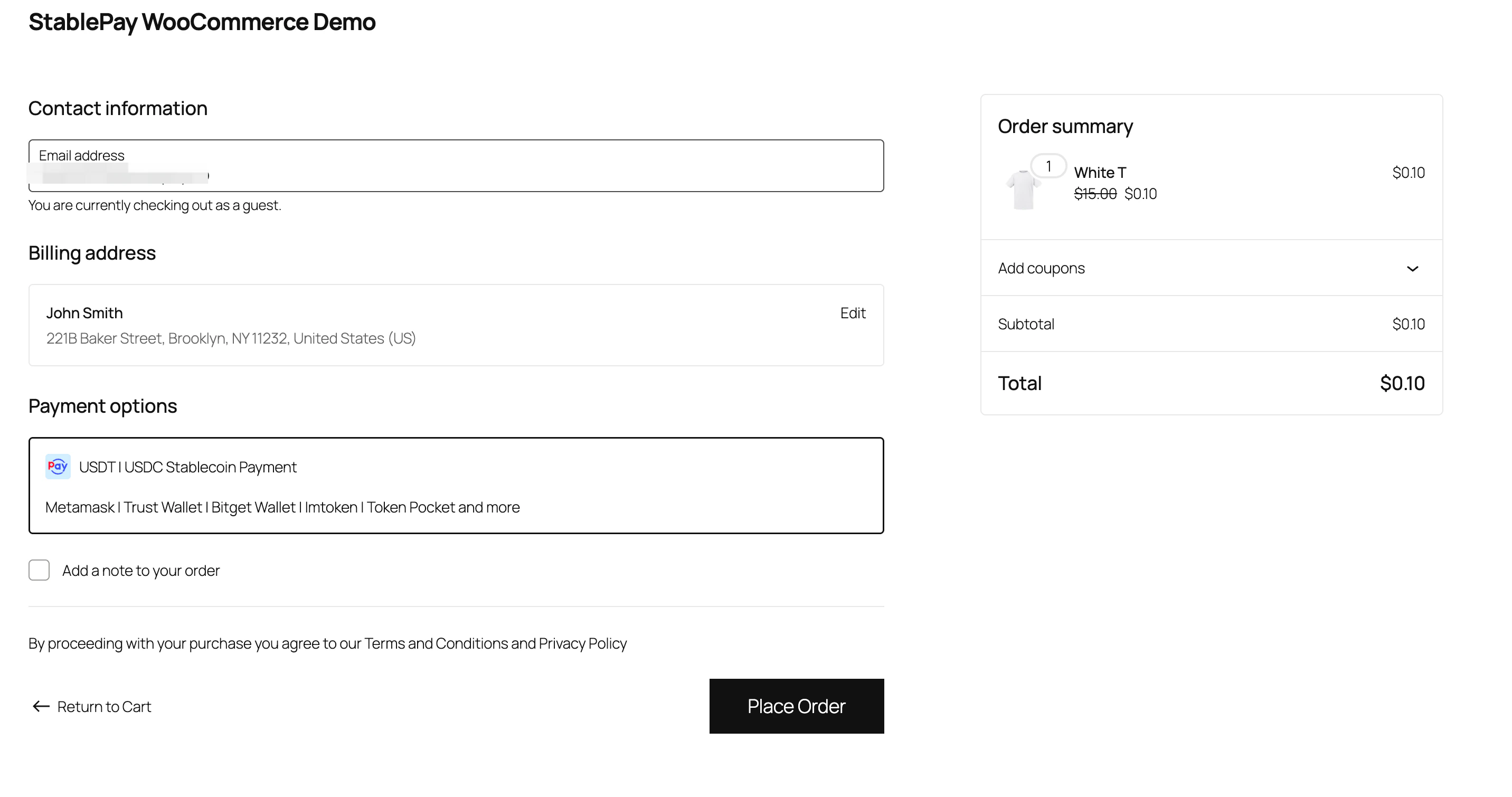
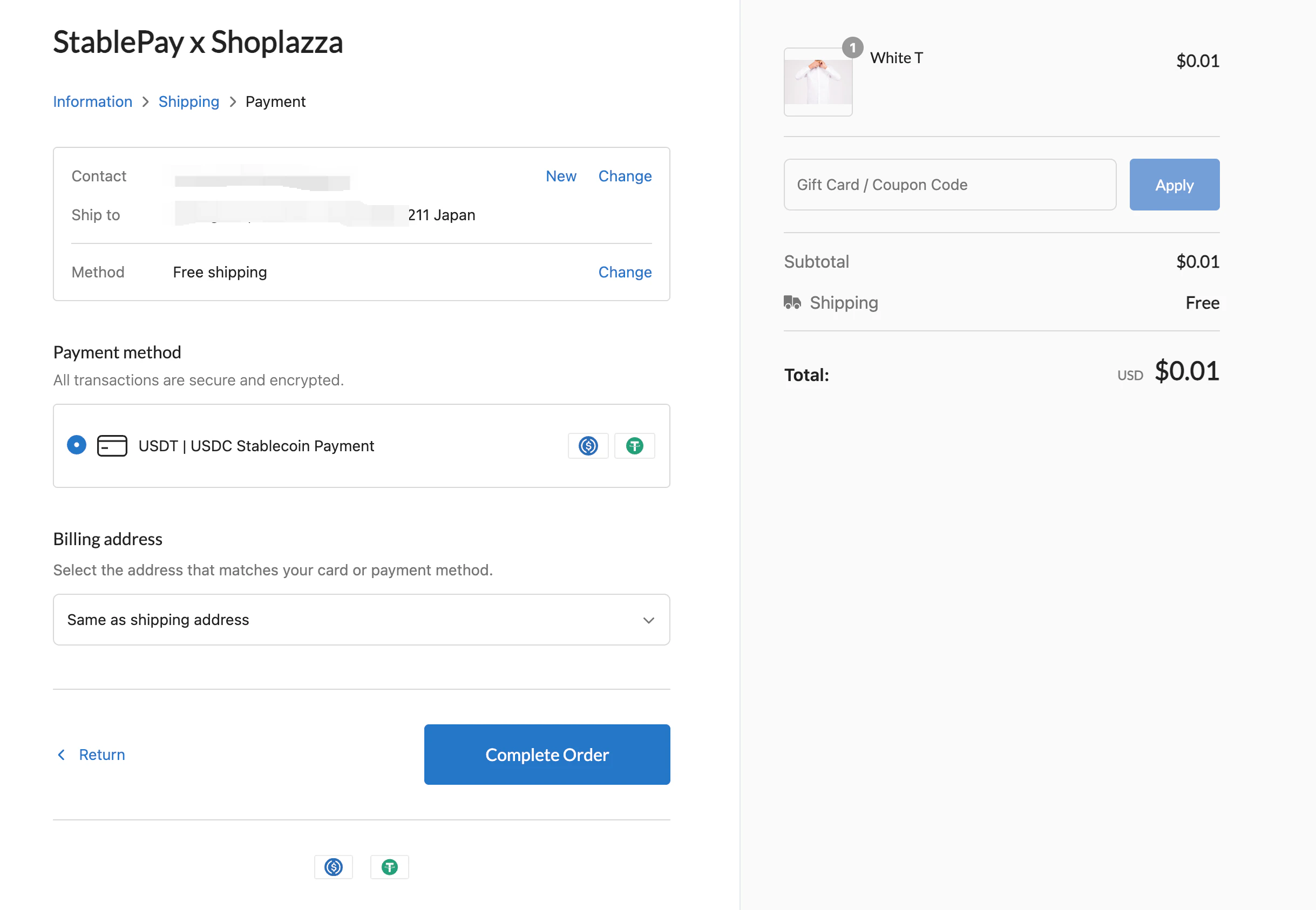
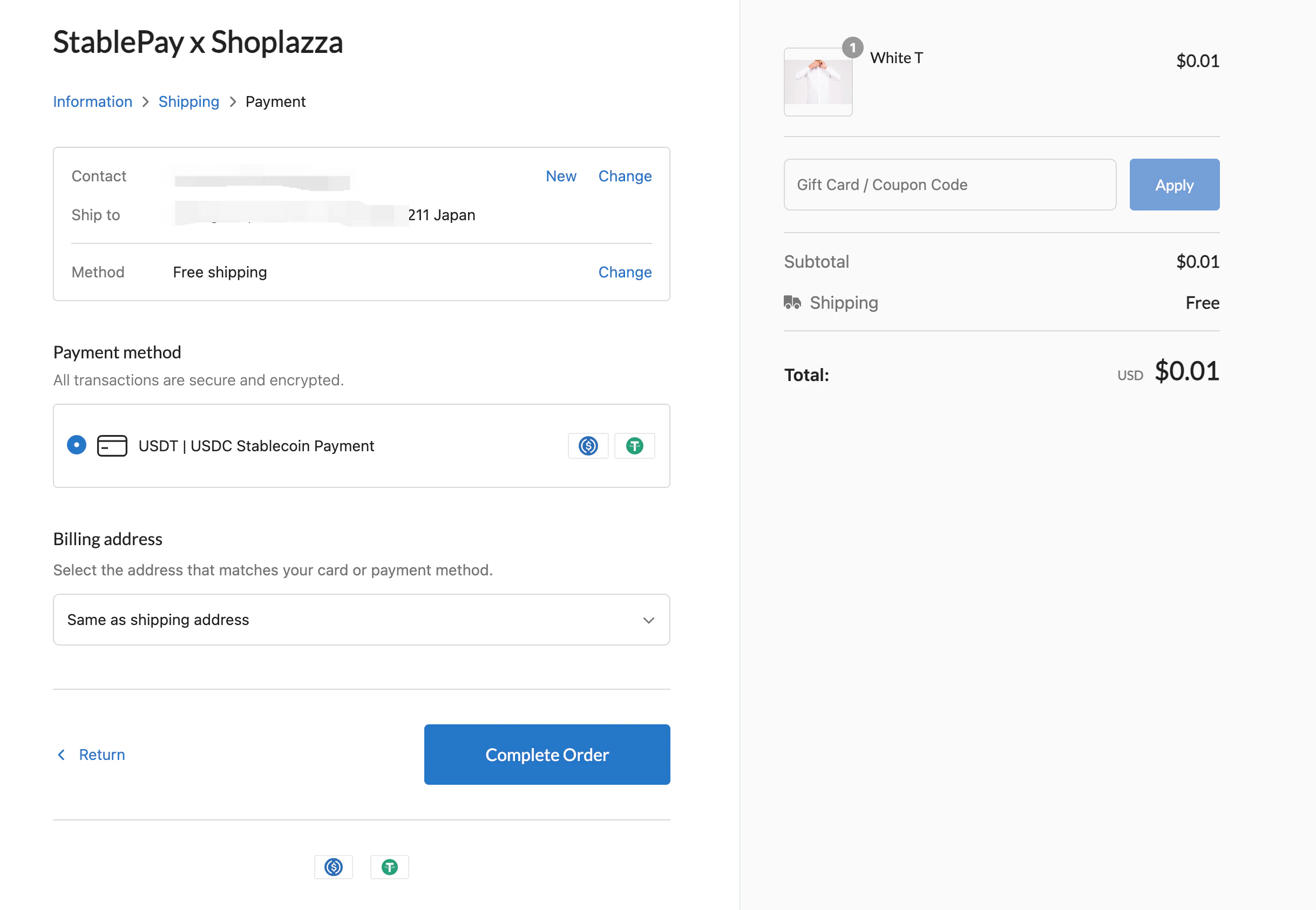
Logo assets
Use the StablePay logo when you need provider attribution, such asPowered by StablePay.


- StablePay payment method logo assets
- StablePay logo assets
- USDC logo assets
- USDT logo assets
- MetaMask logo assets
- Trust Wallet logo assets